Daily top wallpapers! Join the Telegram channel
Daily top wallpapers! Follow on X (Twitter)
0
  • Home
  • Apple
  • Samsung
  • Google
  • Motorola
  • Other Brands
    • Huawei
    • Xiaomi
    • OnePlus
    • Oppo
    • Vivo
    • Realme
    • Honor
    • Nothing
    • Sony
    • HMD
    • Tecno
    • Infinix
    • ZTE
    • Nokia
    • Microsoft
Daily top wallpapers! Join the Telegram channel
StockWallp StockWallp
Daily top wallpapers! Follow on X (Twitter)
StockWallp StockWallp
  • Home
  • Apple
  • Samsung
  • Google
  • Motorola
  • Other Brands
    • Huawei
    • Xiaomi
    • OnePlus
    • Oppo
    • Vivo
    • Realme
    • Honor
    • Nothing
    • Sony
    • HMD
    • Tecno
    • Infinix
    • ZTE
    • Nokia
    • Microsoft
0
StockWallp StockWallp
  • Home
  • Apple
  • Samsung
  • Google
  • Motorola
  • Other Brands
    • Huawei
    • Xiaomi
    • OnePlus
    • Oppo
    • Vivo
    • Realme
    • Honor
    • Nothing
    • Sony
    • HMD
    • Tecno
    • Infinix
    • ZTE
    • Nokia
    • Microsoft
0
Home - Live Wallpapers

Live Wallpapers

Download live wallpapers with dynamic and moving backgrounds. Enhance your screen with interactive designs.

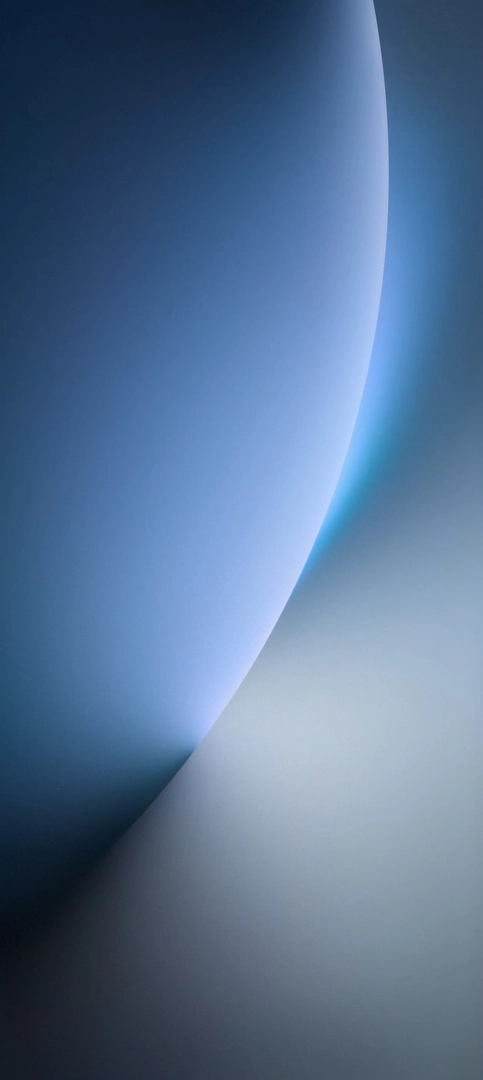
Honor Magic 8 Live wallpaper 3
Black
Blue
Live Wallpapers
Minimalistic
Modern
QHD
27 0 7.1K 710

Honor Magic 8 Pro Stock and Live Wallpapers

Honor
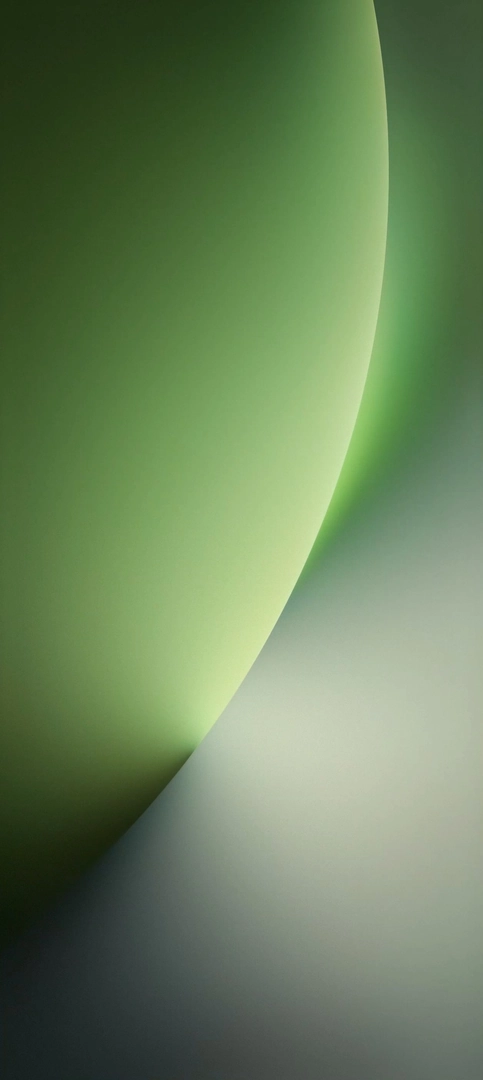
Honor Magic 8 Live wallpaper 2
Green
Live Wallpapers
Minimalistic
Modern
QHD
5 0 3.6K 360

Honor Magic 8 Pro Stock and Live Wallpapers

Honor
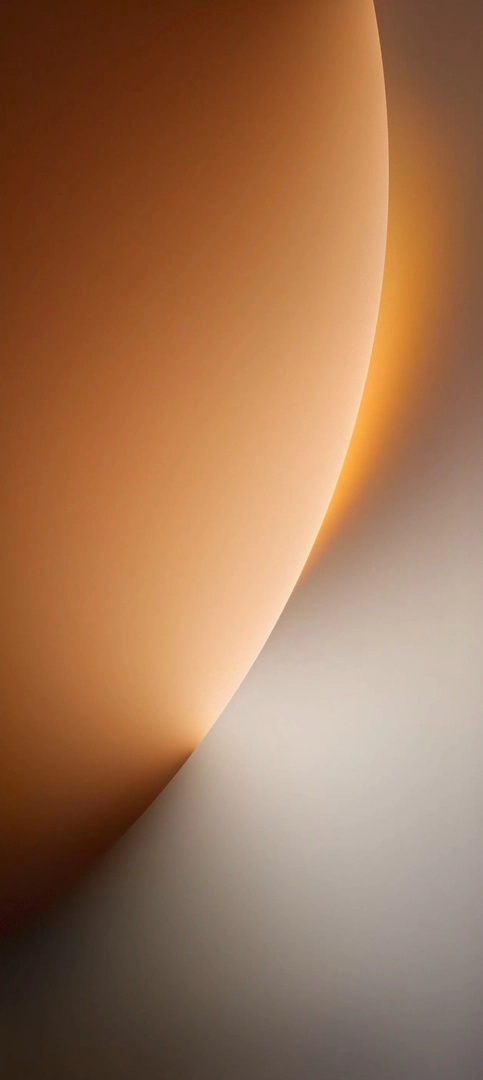
Honor Magic 8 Live wallpaper 1
Brown
Live Wallpapers
Minimalistic
Modern
QHD
18 0 3.2K 401

Honor Magic 8 Pro Stock and Live Wallpapers

Honor
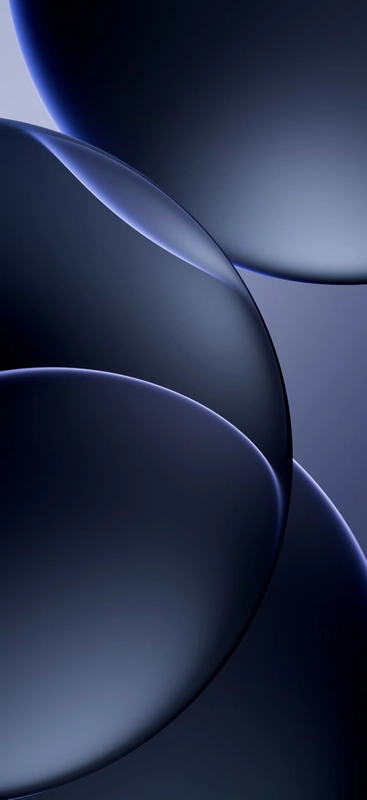
Oppo Find X9 live wallpaper 4 with Purple, Abstract and Gradient at QHD 1272 × 2772 pixels
Purple
Abstract
Gradient
Live Wallpapers
QHD
48 0 15.1K 1.8K

Oppo Find X9 Pro Stock and Live Wallpapers

Oppo
Oppo Find X9 live wallpaper 3 with Gray, Abstract and Gradient at QHD 1272 × 2772 pixels
Gray
Abstract
Gradient
Live Wallpapers
QHD
36 0 11.3K 1.3K

Oppo Find X9 Pro Stock and Live Wallpapers

Oppo
Oppo Find X9 live wallpaper 2 with Brown, Abstract and Gradient at QHD 1272 × 2772 pixels
Brown
Abstract
Gradient
Live Wallpapers
QHD
38 0 16.8K 1.5K

Oppo Find X9 Pro Stock and Live Wallpapers

Oppo
Oppo Find X9 live wallpaper 1 with Red, Abstract and Gradient at QHD 1272 × 2772 pixels
Red
Abstract
Gradient
Live Wallpapers
QHD
22 0 10.6K 1.1K

Oppo Find X9 Pro Stock and Live Wallpapers

Oppo
Realme Gt8 Pro live wallpaper 5 with Blue, Dark, Minimalistic and Modern at 2K 1080 × 2352 pixels
Blue
Dark
Live Wallpapers
Minimalistic
Modern
2K
8 0 4.9K 528

Realme GT8 Pro Wallpapers and Live Wallpapers

Realme
Realme Gt8 Pro live wallpaper 3 with White, Minimalistic and Modern at 2K 1080 × 2352 pixels
White
Live Wallpapers
Minimalistic
Modern
2K
7 0 3.5K 288

Realme GT8 Pro Wallpapers and Live Wallpapers

Realme
Realme Gt8 Pro live wallpaper 4 with Green, Dark, Minimalistic and Modern at 2K 1080 × 2352 pixels
Green
Dark
Live Wallpapers
Minimalistic
Modern
2K
34 0 8.9K 840

Realme GT8 Pro Wallpapers and Live Wallpapers

Realme
Realme Gt8 Pro live wallpaper 1 with Blue, Minimalistic and Modern at 2K 1080 × 2352 pixels
Blue
Live Wallpapers
Minimalistic
Modern
2K
9 0 4.6K 491

Realme GT8 Pro Wallpapers and Live Wallpapers

Realme
Realme Gt8 Pro live wallpaper 2 with Black, Dark, Minimalistic and Modern at 2K 1080 × 2352 pixels
Black
Dark
Live Wallpapers
Minimalistic
Modern
2K
14 0 7.2K 906

Realme GT8 Pro Wallpapers and Live Wallpapers

Realme
1 2 3

stock wallpapers

Discover the biggest collection of stock wallpapers right here!

  • Live Wallpapers
  • Gradient Wallpapers
  • Dark Wallpapers
  • 4K Wallpapers
  • QHD Wallpapers
  • About Us
  • Contact Us
  • Privacy Policy
  • Terms of Service
  • Sitemap
© 2024 StockWallp | Images are for personal, non-commercial use.

Our website uses cookies to improve your experience. Learn more about: Cookie Policy

Accept
Lightbox Image
PREV
NEXT
Resolution:
Size:
Duration:
File Size
Free Download
Downloads 0

More like this

Statistics

Report

Something wrong with this wallpaper?

Choose a channel and tell us what you found. The wallpaper link is added for you.

Wallpaper link

Email

[email protected]

Opens your mail app with the wallpaper link already in the message. Write the details and send.

Write an email

Telegram

@stockwallp_ADMIN

Opens our chat with the wallpaper link already in the message box. Add your details and send.

Open Telegram

Share

Share this wallpaper

Pick a platform or copy the link. The wallpaper link is added for you.

Share on
Telegram WhatsApp X Facebook Pinterest Reddit LinkedIn Email

Download

Download started

Your wallpaper is on its way. Look in your downloads folder.

Downloads 0
Likes 0
Shares 0

Enjoyed it? Like it and send it to a friend.

How to set it as your wallpaper
  1. Open the Files app, go to Browse > Downloads, and tap the wallpaper you just downloaded.
  2. Tap the Share button, then choose "Save Image" to add it to your Photos library.
  3. Open Photos, tap the image, tap Share, scroll down and choose "Use as Wallpaper".
  4. Pinch and drag to position the image, swipe to try the Lock Screen and Home Screen looks, then tap "Add".
  5. Choose "Set as Wallpaper Pair" to use it on both screens, or "Customize Home Screen" to style them separately.

Tip · If the image looks cropped, pinch to zoom out and reposition it before tapping "Add". Portrait wallpapers fit the iPhone screen best.

  1. Pull down the notification shade and tap the finished download, or open the Files app and go to Downloads.
  2. Open the image in Gallery or Google Photos.
  3. Tap the menu (⋮) and choose "Set as wallpaper" or "Use as". The name differs slightly between brands.
  4. Choose Home screen, Lock screen or both, drag to frame the image, then confirm.

Tip · You can also go to Settings > Wallpaper & style (or Wallpaper) and pick the image from your photos. Use the preview to check how it is cropped.

  1. Open your Downloads folder (in most browsers, press Ctrl + J) and find the wallpaper.
  2. Right-click the image and choose "Set as desktop background".
  3. To change how it fits, open Settings > Personalization > Background and set "Choose a fit" to "Fill".

Tip · For the lock screen, go to Settings > Personalization > Lock screen, choose "Picture" and browse to the downloaded file.

  1. Open Finder and go to Downloads to find the wallpaper.
  2. Control-click the image, then choose "Quick Actions" > "Set Desktop Picture". On older macOS versions the option is directly in the menu.
  3. Prefer the settings? Open System Settings > Wallpaper, click "Add Photo" and select the image, then choose "Fill Screen".

Tip · You can also open the image in Preview, click File > Share > "Set Desktop Picture".

Didn't start?
Advertisement
Your Ad Here

Get maximum exposure to 50,000+ daily wallpaper lovers

Place Your Ad Now
336×280 · Premium Placement · Direct Deals Only
Support the project

Buy me a coffee

Every wallpaper here is free. If one made your screen look better, a coffee keeps the servers running and the new wallpapers coming.

USDT TRC20
TCtxeCsC6KGeKbPjJ2ywjBRvjXM5g1QN98

Send only USDT on the TRC20 network.

Comments